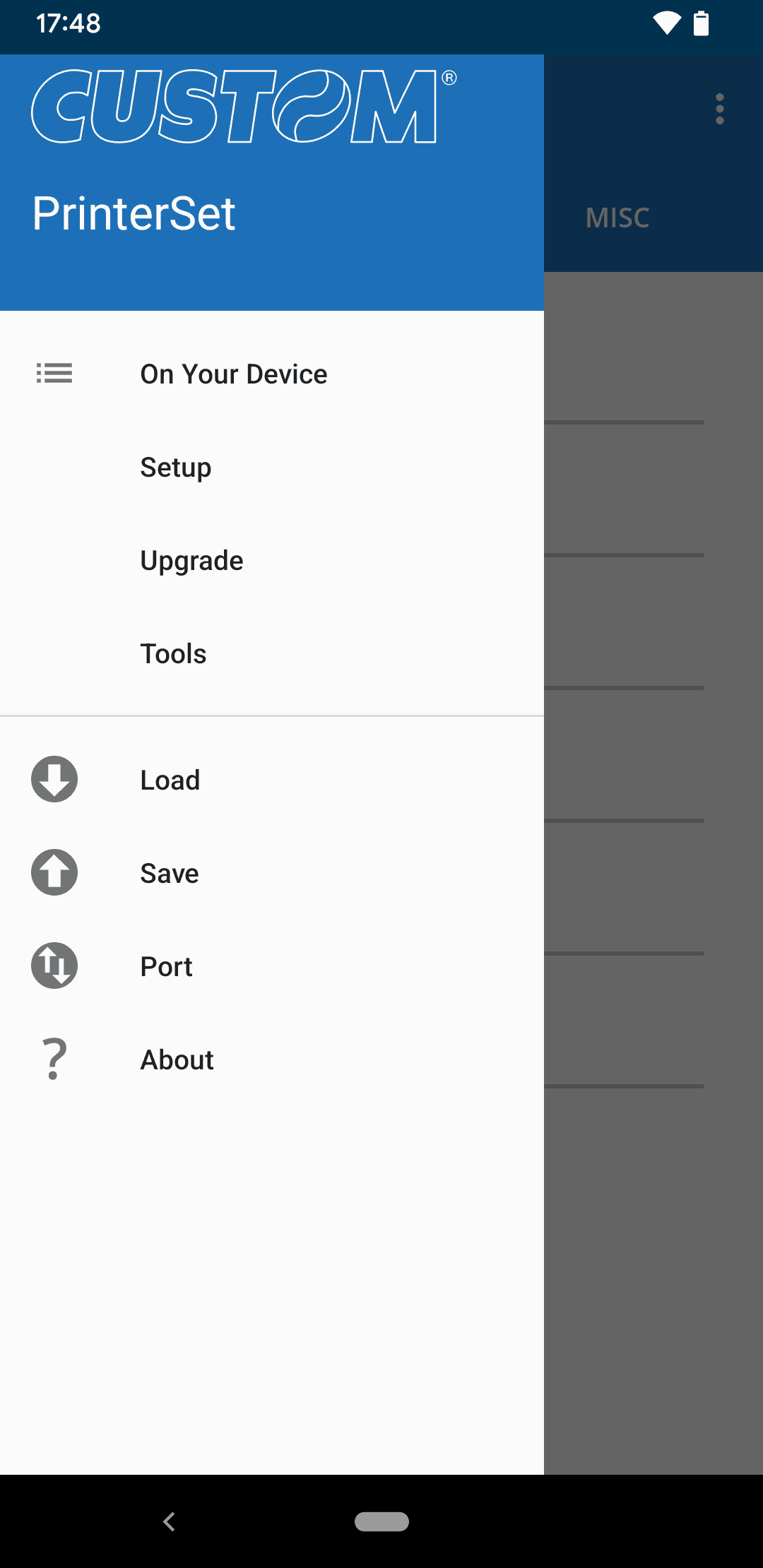
PrinterSet
PrinterSet allows to manage fonts and logos, to update the firmware and setup your Custom printer. In a single tool many features for a complete, easy and fast printer management. With PrinterSet is possible to setup the functioning parameters of Custom printers. With this tool the user will no longer have troubles in creating a single file able to include the different SW customizations and send them to the printer through the interface for an easy and fast set up (ideal for production).
Thanks to the internal font editor, it is possible to change and customize the fonts for a perfect printout. You can update the logos inside your printer with a simple drag&drop. It is also possible to change your images directly from PrinterSet thanks to the simple but effective graphic editor included in the software. PrinterSet allows also to remotely update the printer's firmware to benefit from the latest features released by Custom.
Tools
Printer
PC and mobile management
Configure and update Custom printers through the interface that best suits your needs: the PC version offers the full range of features, while the mobile version lets you handle essential operations on the go.
Integrated font editor
Modify and customize characters for print results consistent with your requirements.
Logo management with drag and drop
Update printer logos simply and immediately.
Graphic editor for images
Edit images directly in the software with the integrated graphic editor.
Remote firmware updates
Keep the printer up to date and access features released by Custom.
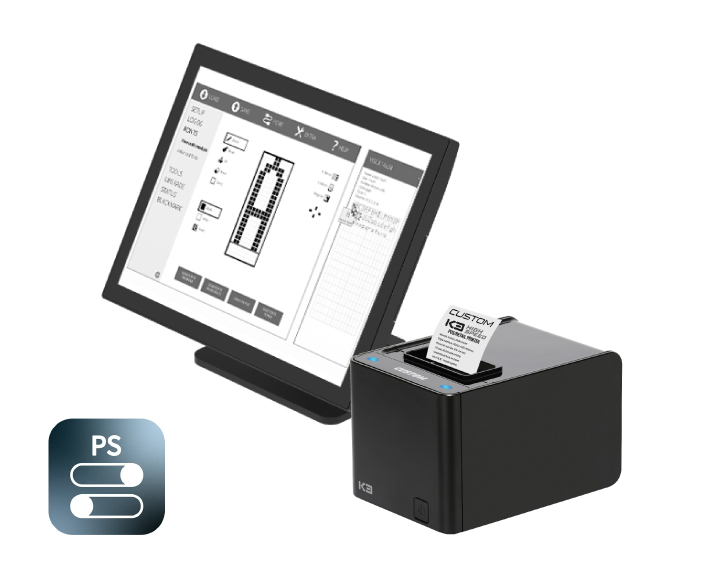
Complete management, from setup to support
PrinterSet is Custom’s tool for configuring and managing printers in a simple and organised way. Once the device is connected, you can set communication, printing and media-handling parameters, or load an existing configuration. Settings can be saved and reused, speeding up the configuration of other devices and keeping the installed fleet consistently set up.
The PC version also allows you to customise logos and fonts, check the printer’s correct operation through dedicated tests and monitor its status in real time. The mobile version lets you work quickly on site, using the essential configuration and update functions.
PrinterSet also supports firmware and module updates. In Windows environments, repetitive operations can be automated across one or more devices. Available features may vary depending on the connected printer model.

Discover PrinterSet on Custom4U
Custom4U is the after-sales support portal developed by Custom to give customers, partners and distributors centralized access to the main tools and software dedicated to Custom products. From the platform, you can download diagnostic software, drivers, firmware, updates and technical documentation, so the resources needed to install, configure and maintain devices are always available.
A single, simple and secure digital environment, designed to make every activity faster: from downloading technical resources to managing users and requesting spare parts. With Custom4U, support becomes immediate and everyday operations smoother, more efficient and under control.
Gallery
PrinterSet